

How to download previously filled electronic documents?
Replied by : support@icaresoftware.com
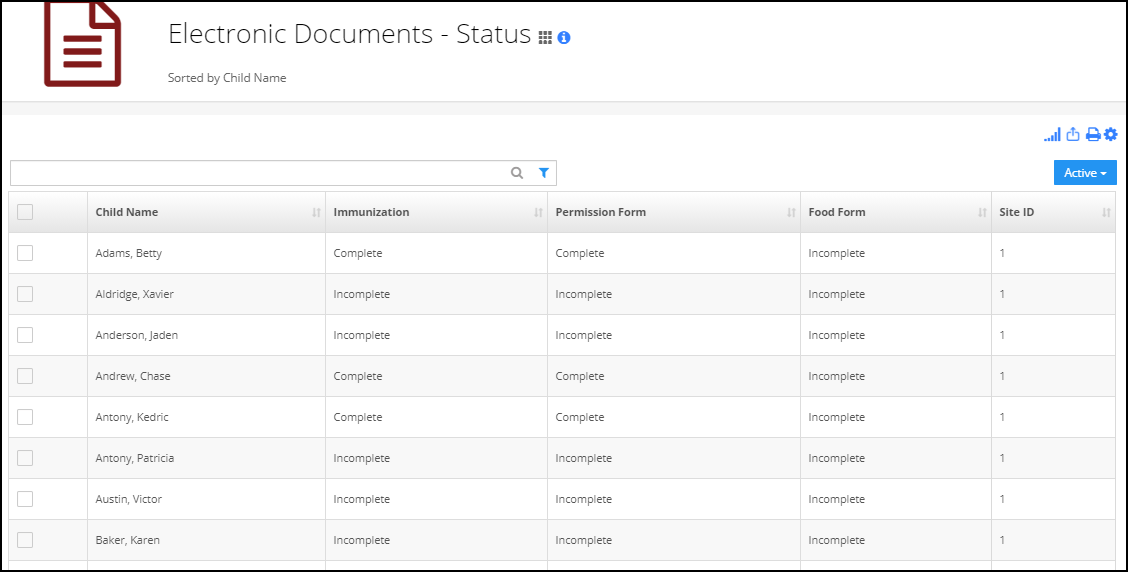
Electronic Documents - Status
This report will show the status of the electronic document whether they are Complete/Incomplete for the respective child.
For opening this report:
Go to the report center, search for electronic documents- status report.
Note: You can also view this report under Report center->Children tab->Electronic Document.
Download a Specific Document
To download the certain document, click Complete under that Specific Document column.

Download Multiple Documents
Select 1 or more rows. Go to Download as Zip. Select needed documents.